

Eduingo basics
A quick intro for students. More pictures than text: in three minutes you know what is what.
In 4 steps
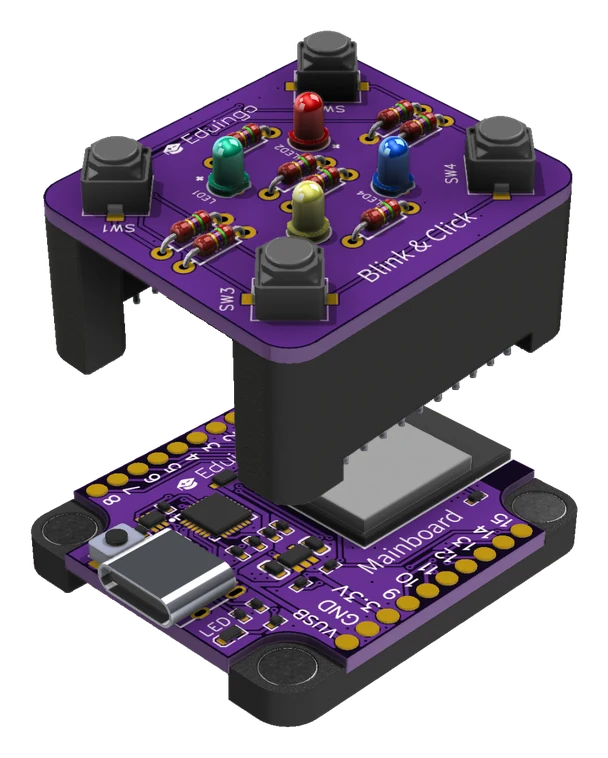
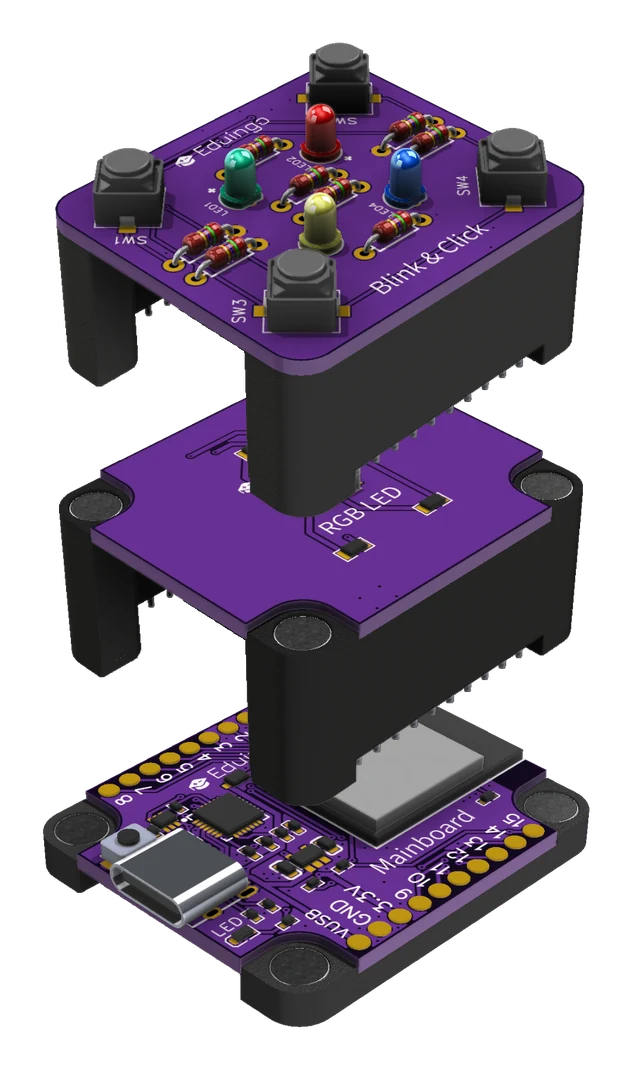
1Stack
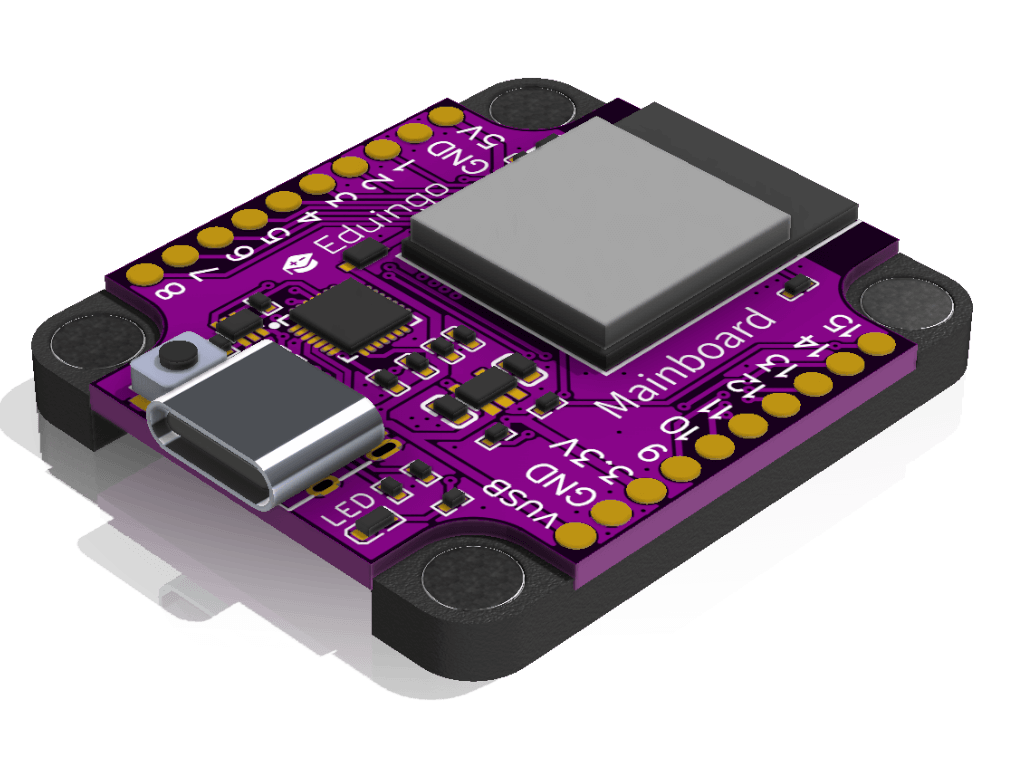
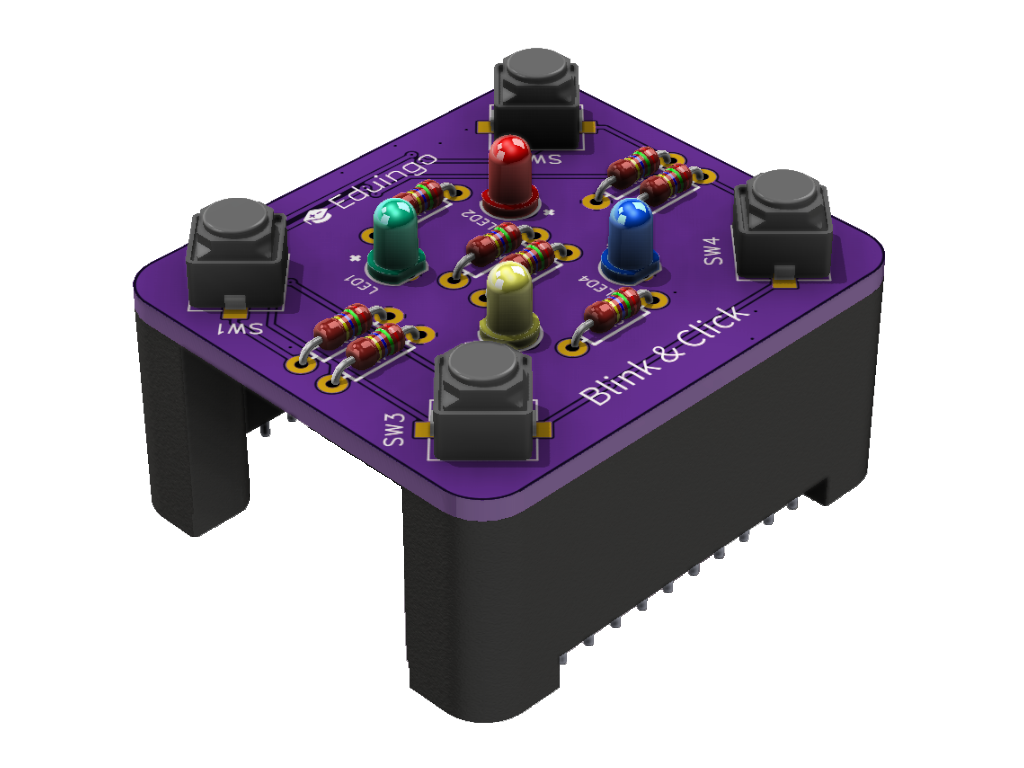
Put a module on the Mainboard.
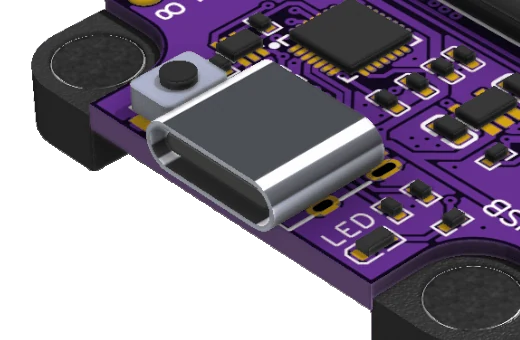
2Connect
USB-C cable to your computer.
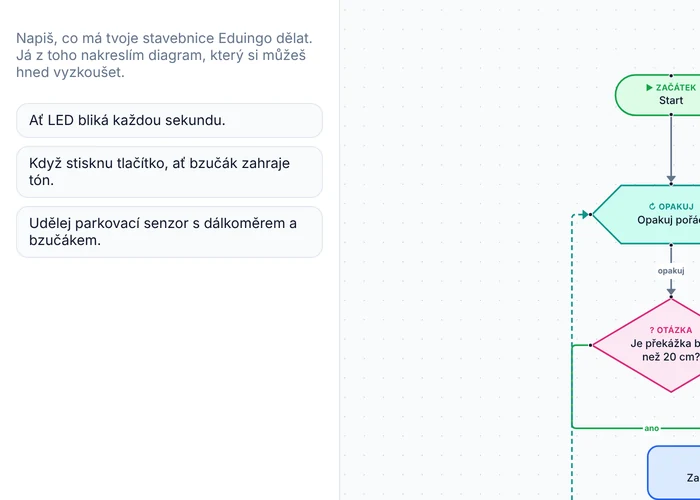
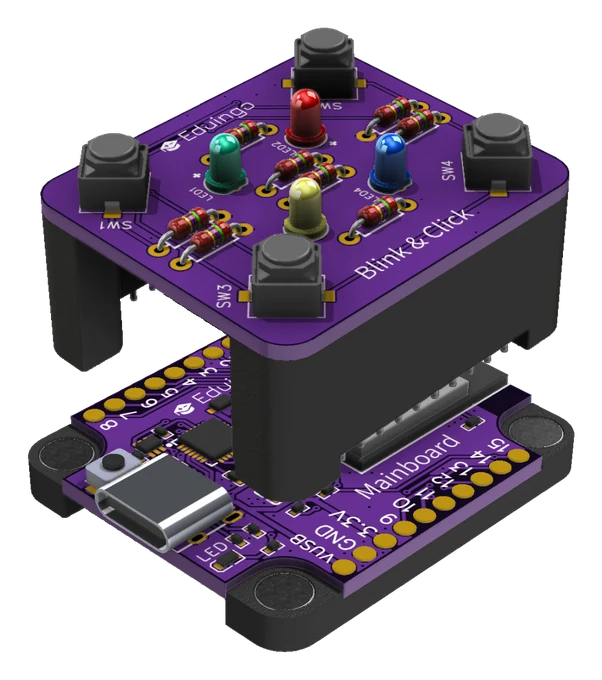
4Upload
One click and the kit comes alive.
How it all works
123- 1InputYou press a button on the module.
- 2ProgramThe Mainboard underneath notices it and your program decides what happens next.
- 3OutputAn LED lights up.
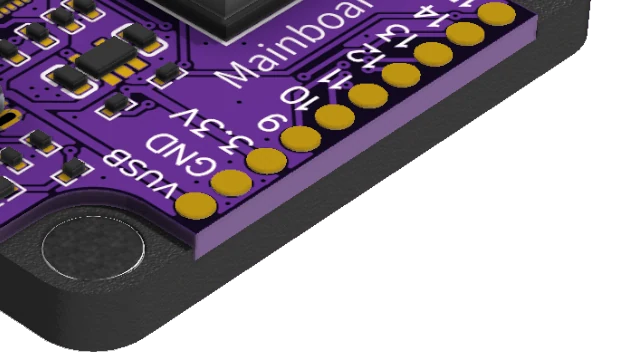
Signals travel between the module and the Mainboard through the pins. Instead of a button it can be a sensor, instead of an LED a display or a buzzer.
Key terms
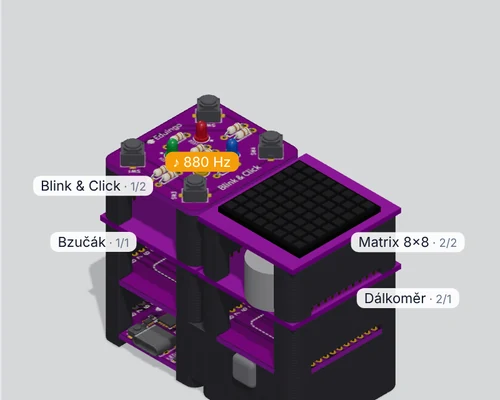
How to stack modules
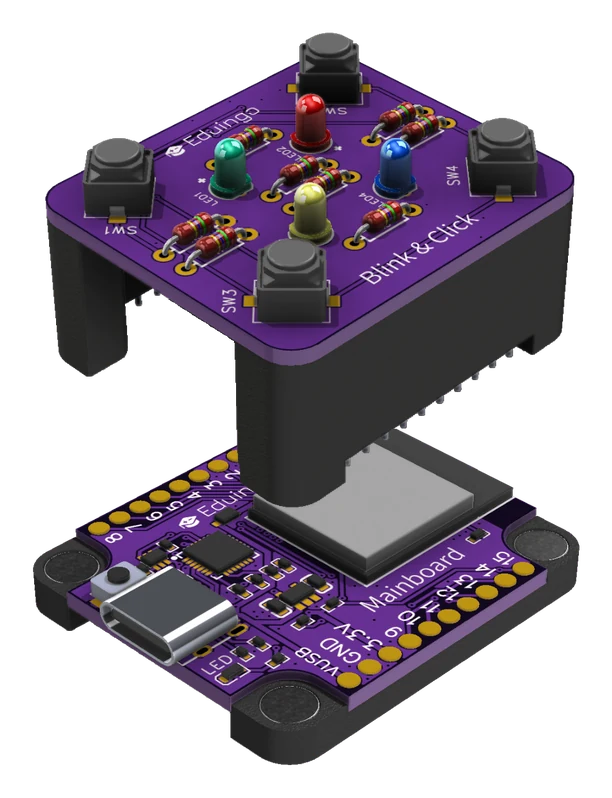
- No powerUnplug the USB cable first.
- 5V above 5VThe pin labels must line up.
How to learn
- Try a ready-made example
- Change one thing in it
- Add another module
- Invent your own project
Ready-made projects are at the bottom of every module page. If something doesn't work, check the FAQ.