

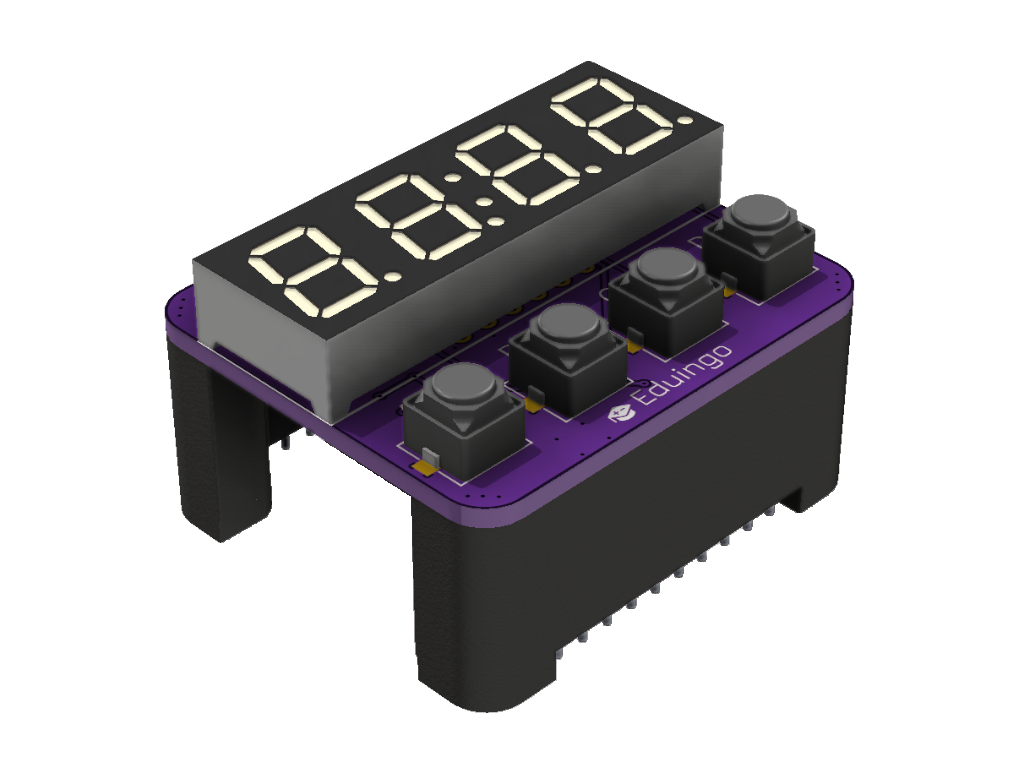
Specifications
- 4 digits with a decimal point (SLR0394 display)
- TM1637 driver
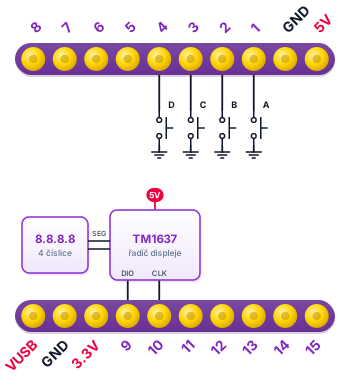
- 4 buttons A–D, pressed = LOW (10k pull-up on the board)
- TM1637 library
- The module goes on top of the tower
- Power 5 V (TM1637 driver), controlled from 3.3 V pins
- Current ≈ 10–50 mA depending on brightness and lit segments (estimate)
- Does not use the I2C bus, the TM1637 has its own two-wire interface on IO9 and IO10
- Uses: measuring instruments, counters, clocks and alarm clocks
Pins
| Pin | Function |
|---|---|
| IO1 | Button A |
| IO2 | Button B |
| IO3 | Button C |
| IO4 | Button D |
| IO9 | DIO (display data) |
| IO10 | CLK (display clock) |
Wiring diagram
Example code
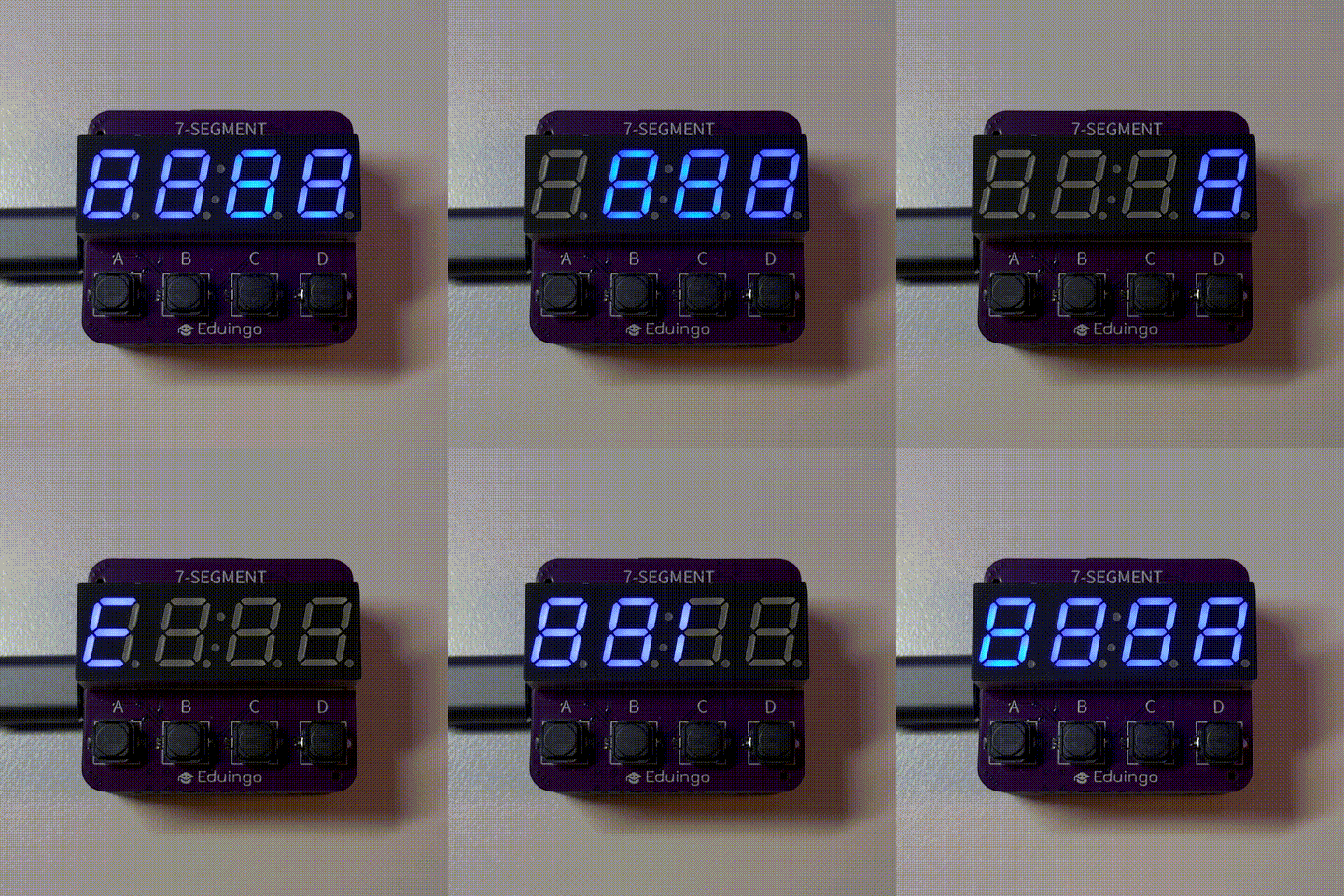
Try the example Counter on the display right in your browser in Eduingo AI Lab. First a greeting scrolls across the display. Then the display shows a number: A adds 1, B subtracts 1, C resets it to zero and D adds 10 at once. Try going past 9999: what happens?