

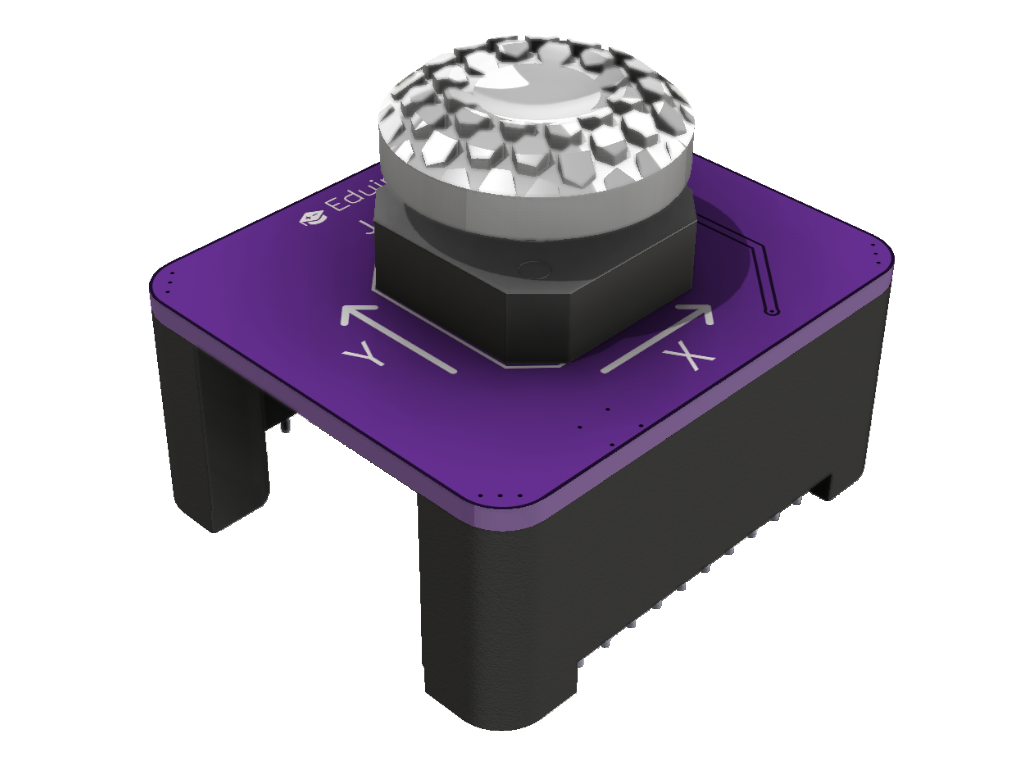
Specifications
- Prototype
- Two analog axes X and Y (0–4095, centre in the middle)
- Button when the stick is pressed, pressed = LOW
- The module goes on top of the tower
- Power 3.3 V
- Current ≈ 1 mA (estimate)
- Does not use the I2C bus
- Uses: game controllers, robotics
Pins
| Pin | Function |
|---|---|
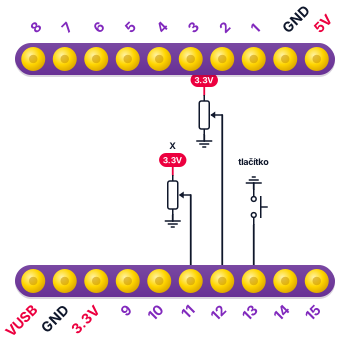
| IO11 | X axis |
| IO12 | Y axis |
| IO13 | Button |
Wiring diagram
Example code
Try the example Joystick sketchpad right in your browser in Eduingo AI Lab. Use the joystick to move a yellow dot around the matrix, leaving a trail behind it, just like on a drawing board. Press the joystick to clear the picture. The variables x and y tell where the dot is, and the function that guards the edges keeps the dot inside the matrix. Try drawing a little house.